
- Open the Warranty Site
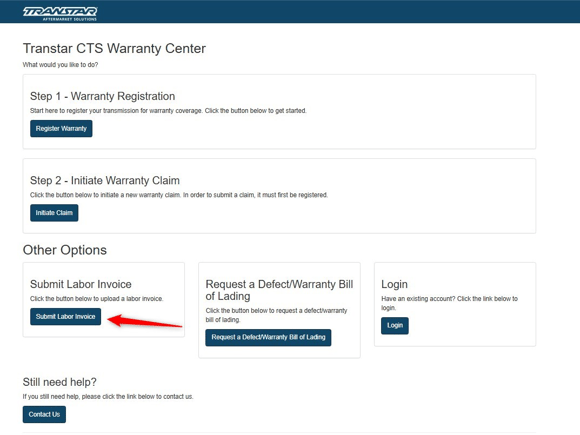
- Click "Submit Labor Invoice"
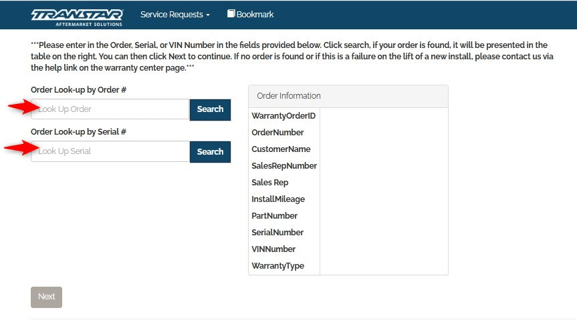
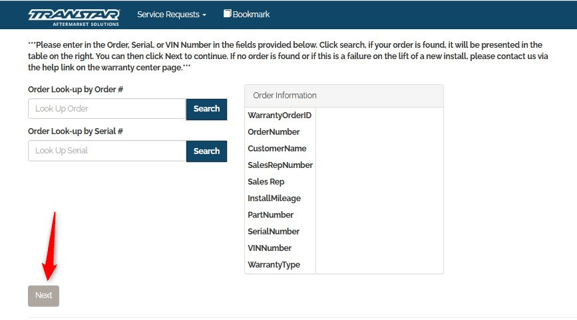
- Enter "Order Number" or "Serial Number"
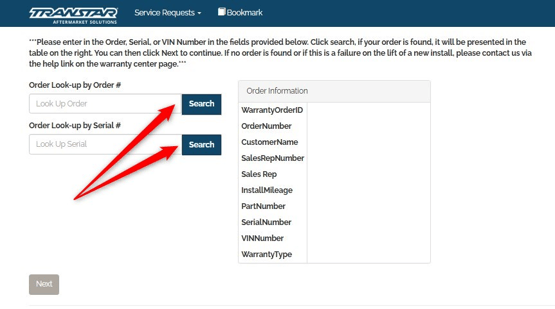
- Click "Search"
- Your order information should appear in the box on the right
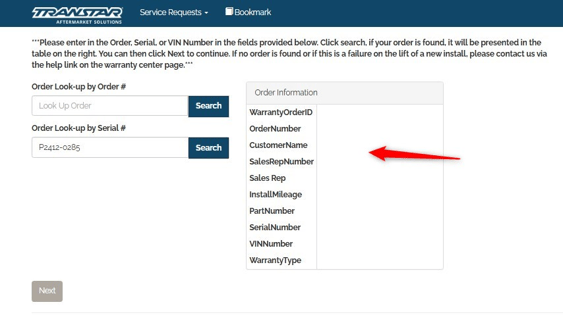
- Click "Next"
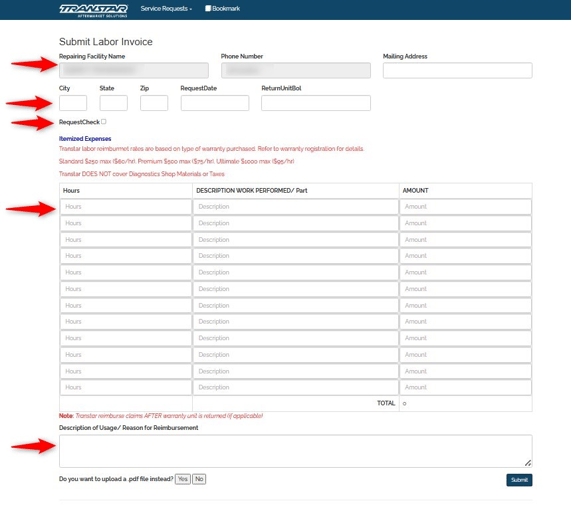
- Fill in the requested information
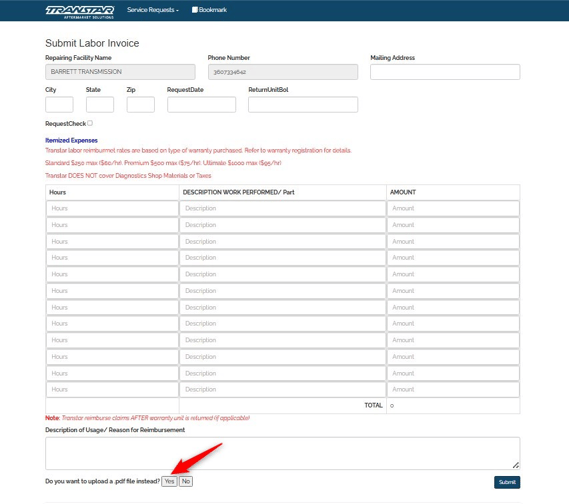
- Click "Yes" to upload your invoice from a saved file. Be sure your CTS Number is on your invoice.
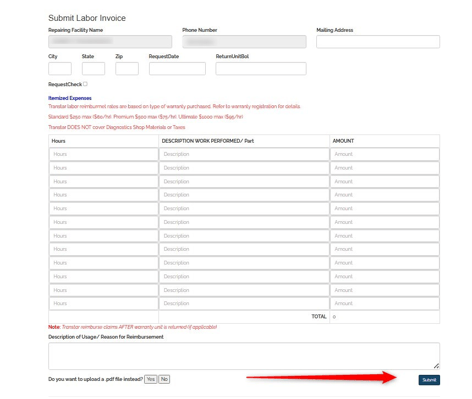
- Select your file from your computer and Click "Submit"
NOTE: Before you start a Labor Claim
- Your Transmission must be registered and already have a warranty claim started.
- You will need the CTS number that you were provided when you completed the warranty claim. This must be on the labor invoice.
Need assistance? Contact the Warranty Team